PDF Studio Blog
Guides, comparisons, and tips for working with PDFs.
Open Editor
PDF Password Protection Guide 2026 — Secure Your Documents
Protect any PDF with AES-256 encryption in under 60 seconds. No software, no registration, no file size limits. Free browser-based tool.

PDF Password Protection Guide 2026 — Secure Your Files in Seconds
Learn how to password-protect any PDF file in 2026. Browser-based, free, no registration, AES-256 encryption. Secure your files in under 60 seconds.

Batch PDF Processing: The Complete 2026 Guide
Process unlimited PDFs in one click — compress, watermark, split, and number pages across hundreds of files. Free, browser-based, no registration.

Edit PDF Files Online — Complete 2026 Guide
Edit PDF files directly in your browser — add text, images, links and more. Free, no registration, 100MB support.

How to Annotate PDFs in 2026 — Best Tools and Techniques
Add highlights, comments, and drawings to PDFs instantly in your browser. Free, no registration, 100MB support.

How to Add Page Numbers to PDF in 2026
Add page numbers to PDF in seconds. Free browser tool, no registration, no watermarks.

How to Add Watermark to PDF in 2026 — Complete Guide
Add a watermark to any PDF in seconds. Text or image watermarks, 100% free, no registration required.

How to Add Annotations to PDF Files in 2026 — Complete Guide
Learn how to annotate PDF files in your browser — free, no registration, supports highlights, comments, and drawings. Works on any device.
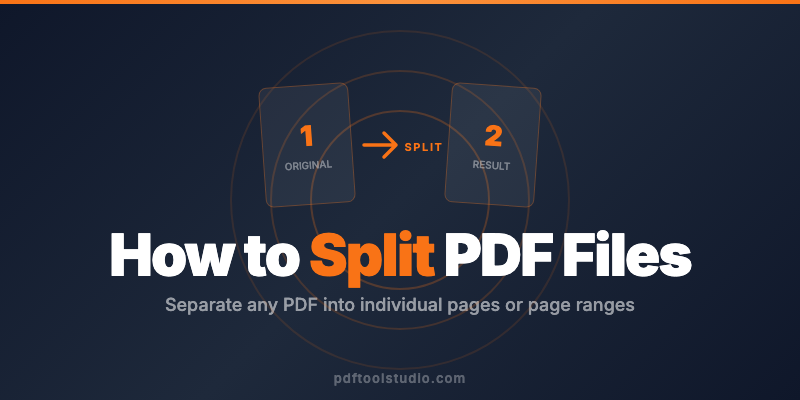
PDF Split Guide 2026: How to Split PDF Files in Seconds
Split any PDF file in seconds. Free browser-based tool, no registration required, 100MB max file size.
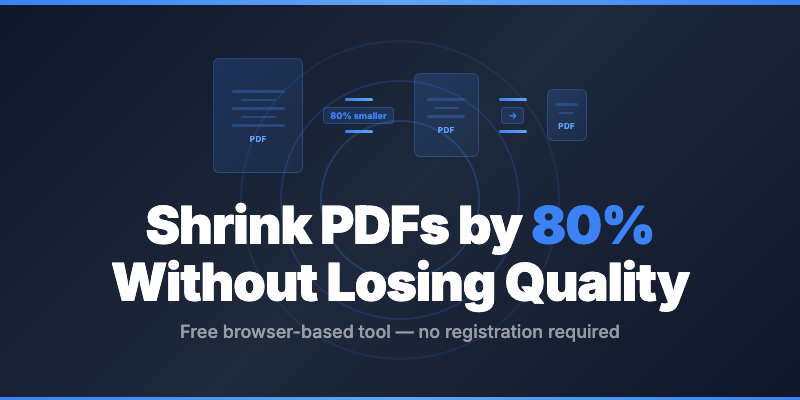
PDF Compression Guide 2026 -- All Methods Explained
Reduce PDF file size by 50-90% using browser-based tools. Free, no registration. Covers Flate, JPEG2000, and hybrid compression.

PDF Merging Guide 2026 — All Methods and Tips
Combine PDF files in seconds. Browser-based, free, no registration. 3 methods, best practices, and why online tools beat desktop software.

Why Browser-Based PDF Tools Are More Private Than Cloud Ones
Cloud PDF tools upload your file to their servers. Browser-based tools never do. Here's why the difference matters.
Skip the reading — try the tools.
Edit, merge, split, compress, convert. Free, browser-based, private.
Open Editor